



CandySpinz App: Mobile Casino Gaming
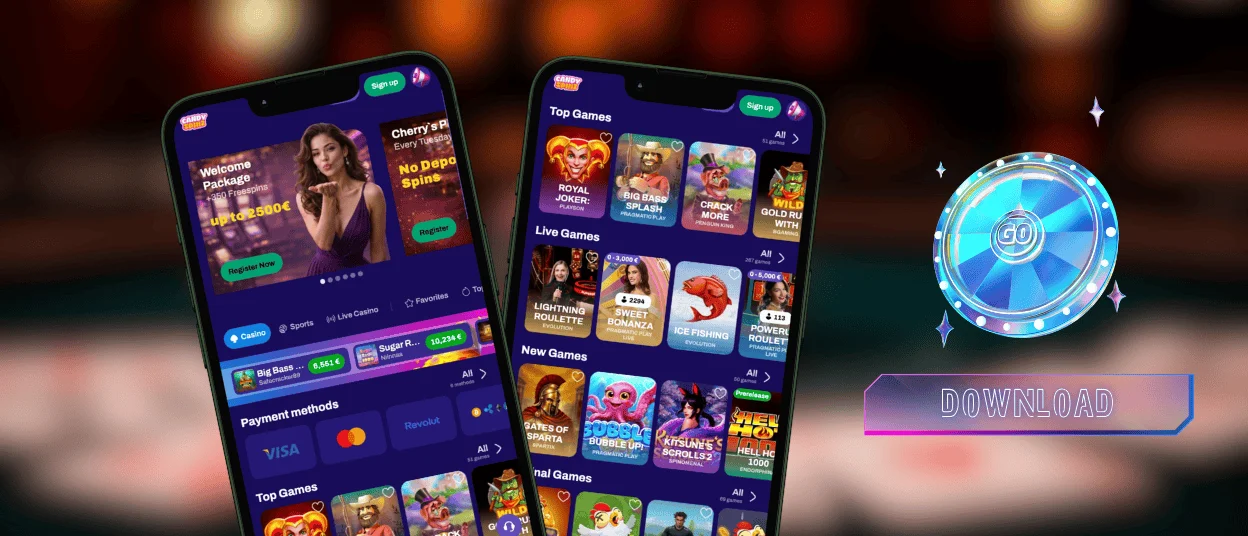
A phone is always closer than a laptop, and the CandySpinz app turns that into an advantage. The icon opens the platform in a separate window, free of the address bar and browser tabs. To install the Candy Spinz application, you need only your usual browser and about a minute of time.



What Is PWA Technology
PWA stands for progressive web application, and the CandySpinz app runs exactly in this format. Your browser saves the site as an icon, and from that moment the icon launches the platform in full-screen mode. The system treats it like a regular program, down to its own entry in the recent apps list.
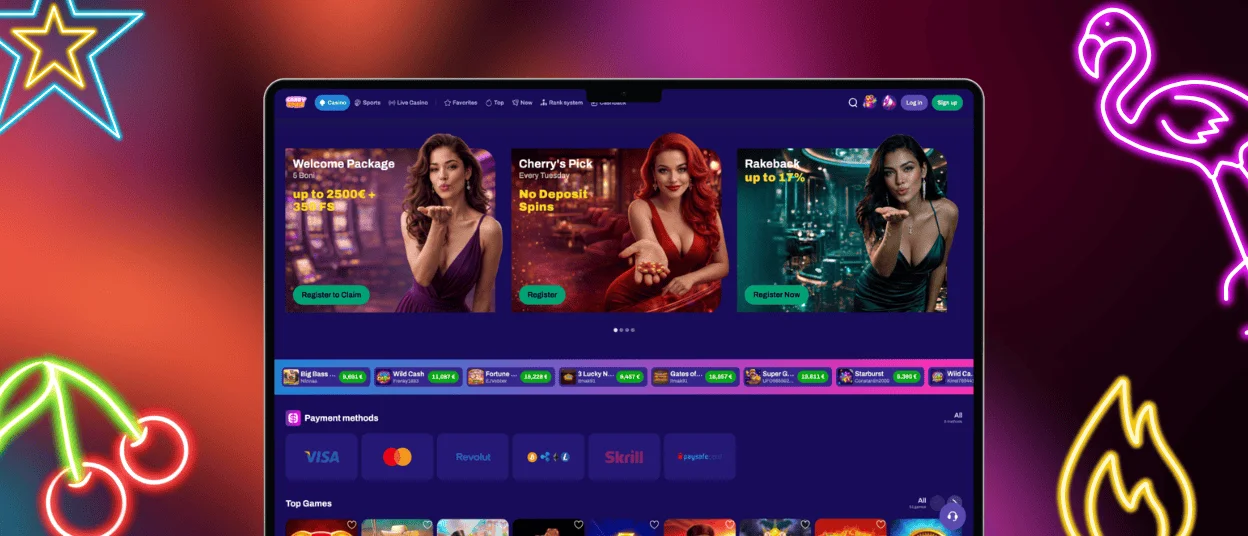
Nothing is cut along the way. The window shows the same lobby as a browser tab at Candy Spinz Casino, and the interface keeps the language you chose. Every new release reaches the app the moment it appears on the site.
App Compared With the Desktop Version
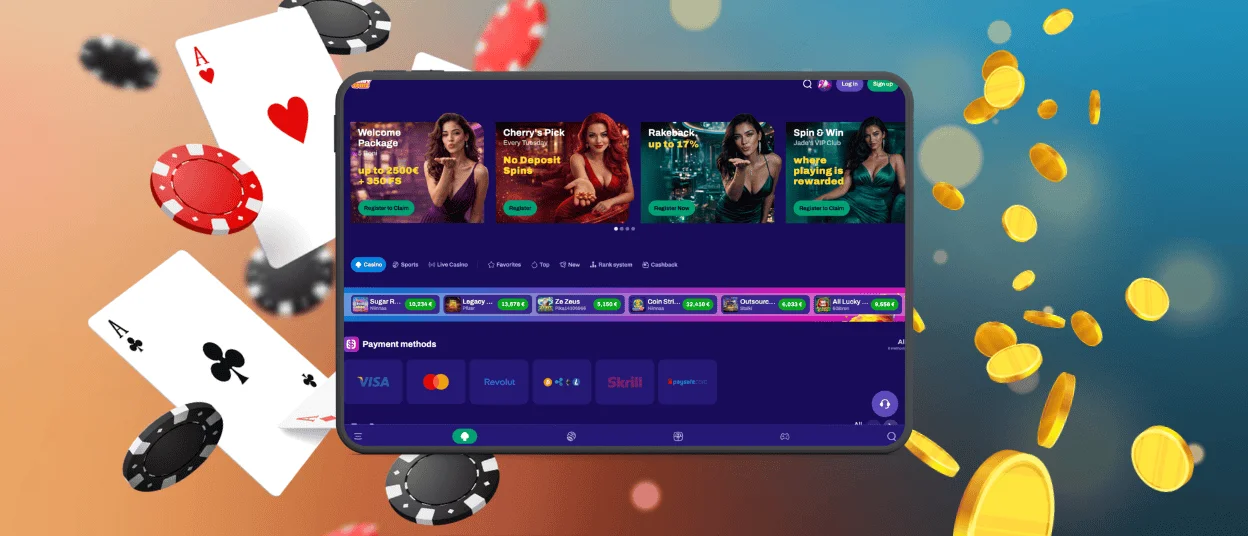
Nothing from the computer version stays behind on a phone. The mobile casino at CandySpinz opens the same library of 6,000+ titles, from online slots to live dealer tables. The sports section works on one balance with the games, the payment window handles deposits and payout requests, and the verification process runs from the profile as usual.
The main difference between these two formats is how you move around the platform:
- One tap on the icon replaces typing the address in a browser.
- Slots switch to portrait orientation with the spin button under your thumb.
- The menu folds into a compact panel instead of a wide top bar.
A pocket screen turns a queue or a break into a full session. Promotions at CandySpinz Casino work the same way on mobile, so the same offers remain available from your phone. Help follows the same route as well, with live chat opening from the headset icon and our support team answering at any hour.
Account and Progress Across Devices
One profile serves every screen at CandySpinz Casino. A deposit made on a computer appears on the phone immediately, and bonus wagering continues from the exact point where the previous session stopped.
Rank points behave the same way, so mobile bets move the account up the same Candy Spinz ladder. Marked favorites stay in place, and responsible gaming limits keep working. The gaming experience matches the desktop version down to the layout of the game cards.
How to Install the CandySpinz App
Each system reaches the CandySpinz icon through its own menu, and most modern browsers include the option. The table below gives the short version for four common cases.
| Device | Main route | Alternative |
| Android phone | Chrome menu, Add to Home Screen | Install symbol in the address bar |
| iPhone and iPad | Safari Share, Add to Home Screen | Shortcuts app with a custom icon |
| Windows computer | Chrome menu, Create shortcut | Edge, Install this site as an app |
| Mac computer | Safari File, Add to Dock | Dragging the address bar icon to the desktop |
Details for each route follow below, along with the small steps that make the icon easier to reach afterward. Installation always starts on our official website, and no file download takes part in it.
Android Installation
Android gives the shortest route of all, because Chrome carries the install option in its standard menu. The whole sequence takes five taps, and the last two only decide where the icon will live afterward. The phone asks for no permissions along the way.
- Open the CandySpinz Casino website in the Chrome app.
- Tap the More icon with three dots in the address bar.
- Select Add to Home Screen and confirm with Add.
- Swipe up from the bottom of the screen to open the app drawer.
- Touch and hold the new icon, then drag it to any spot on the home screen and lift your finger.
The address bar of CandySpinz Casino shows a small install symbol on many pages, and a tap on it replaces the first three steps. Other Chromium browsers keep the same option in their menus, so the routine barely changes when Chrome is not your default.
Installation on iPhone and iPad
Apple devices place the same option inside the sharing tools of Safari. The route stays four taps long, and the result matches the Android version down to the full-screen window. The CandySpinz icon then behaves like any other application on the device.
- Open the CandySpinz website in the Safari app.
- Select the Share option.
- Scroll down and select Add to Home Screen.
- Confirm the name and tap Add.
The Shortcuts application of iOS offers a second route for a personalized look. A new shortcut created with the plus icon accepts the site as its action, and the Add to Home Screen option inside it allows a custom photo for the icon along with any name. Both routes work on iPad in the same way, and the larger display suits live tables especially well.
Installation on a Computer
Chrome keeps the option one level deeper than on a phone. The three-dot menu leads to Cast, Save, and Share, where Create shortcut opens a window with the name and a Create button. Edge reaches the same result through Apps and the Install this site as an app command.
Safari on macOS uses the File menu, where Add to Dock places Candy Spinz Casino next to regular programs. In any other browser, dragging the icon from the left side of the address bar onto the desktop produces a shortcut that opens Candy Spinz Casino in one click.
CandySpinz APK File
The browser install is the only route to the CandySpinz app, which is why we publish no APK file at all. Everything the icon needs is already inside the page, and the shortcut simply points to our address.
This keeps the account safe by design. You don’t have to browse third-party services and download suspicious files with possible viruses.
Storage, Updates and Security
The web format keeps maintenance out of your hands. Updates never ask for a download, because each launch requests the current version of CandySpinz Casino.
| Detail | How it works |
|---|---|
| Storage | A few megabytes of cached graphics on any device |
| Startup | Repeat launches load faster from the cache |
| Connection | TLS encryption on every screen |
Browser protection adds one more layer on top, since the CandySpinz app inherits the security settings you already use for daily browsing.
FAQ
Can a CandySpinz bonus be activated from the app?
Yes, the promotions page in the app matches the Candy Spinz website completely. Promo codes are entered through the same field in the deposit window, and wagering counts mobile bets at full value. An offer claimed on a computer continues on the phone without any action.
What happens when I change phones?
Install the Candy Spinz app on the new device and sign in with the usual credentials. The balance and every active bonus continue automatically, because the account keeps all data on our side rather than on the device.
Does the CandySpinz app cost anything?
Installation is free, and updates arrive free as well, since they load together with the page itself. The only money involved is the balance you top up for real bets at CandySpinz Casino.


